Guide · Instagram Edits + Claude
How to connect Claude to Instagram Edits on Mac
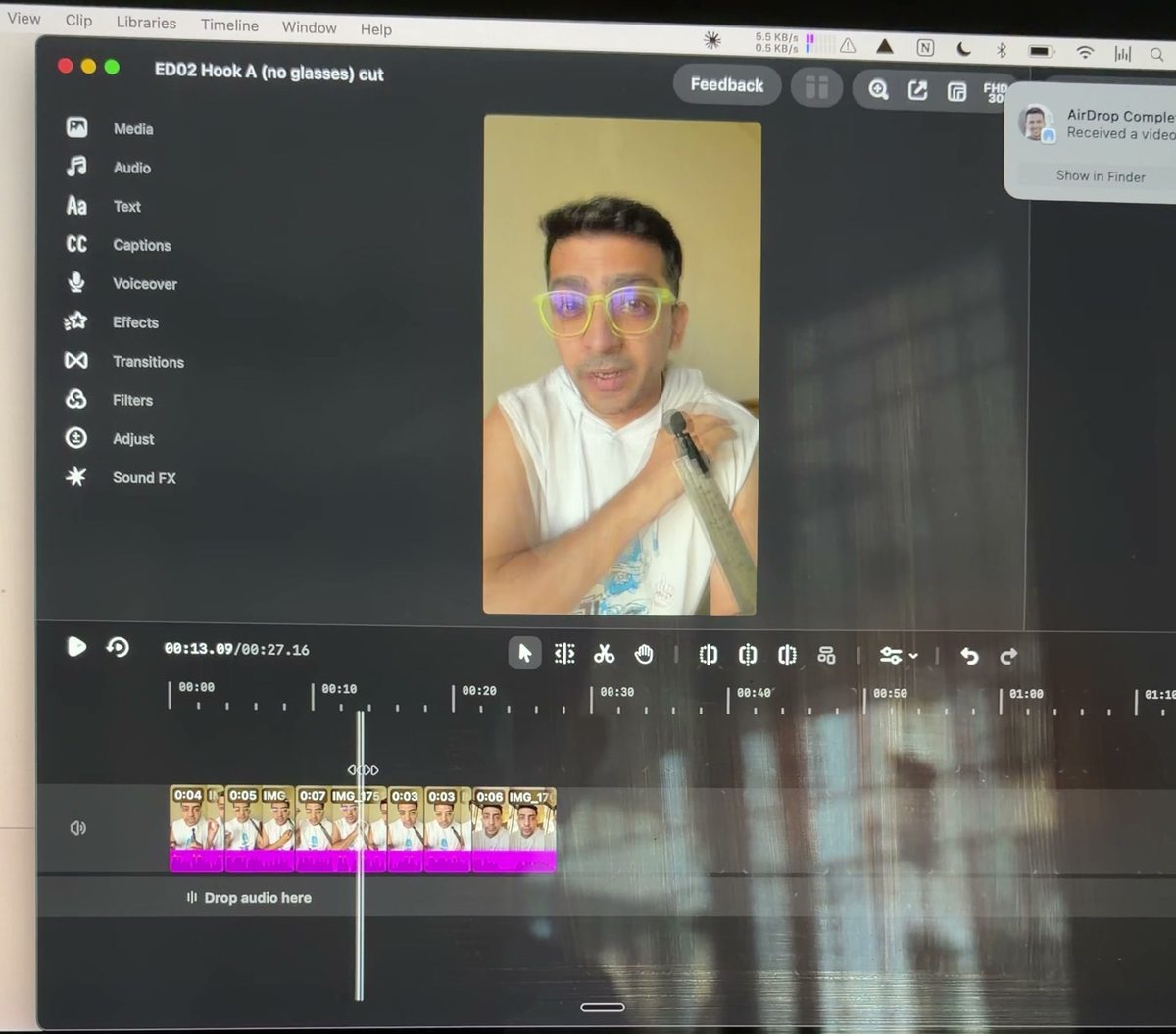
Instagram put the Edits app on desktop, and the Mac version has a hidden automation server. Connect Claude Code to it and Claude edits your reels inside Edits from a prompt: cuts, overlays, sound effects, titles, captions, export. The reel you just watched was edited that way.
You need a Mac, an Instagram account and Claude Code. Sorry Windows folks, Edits for desktop is Mac only for now.
Step 1: Download Edits
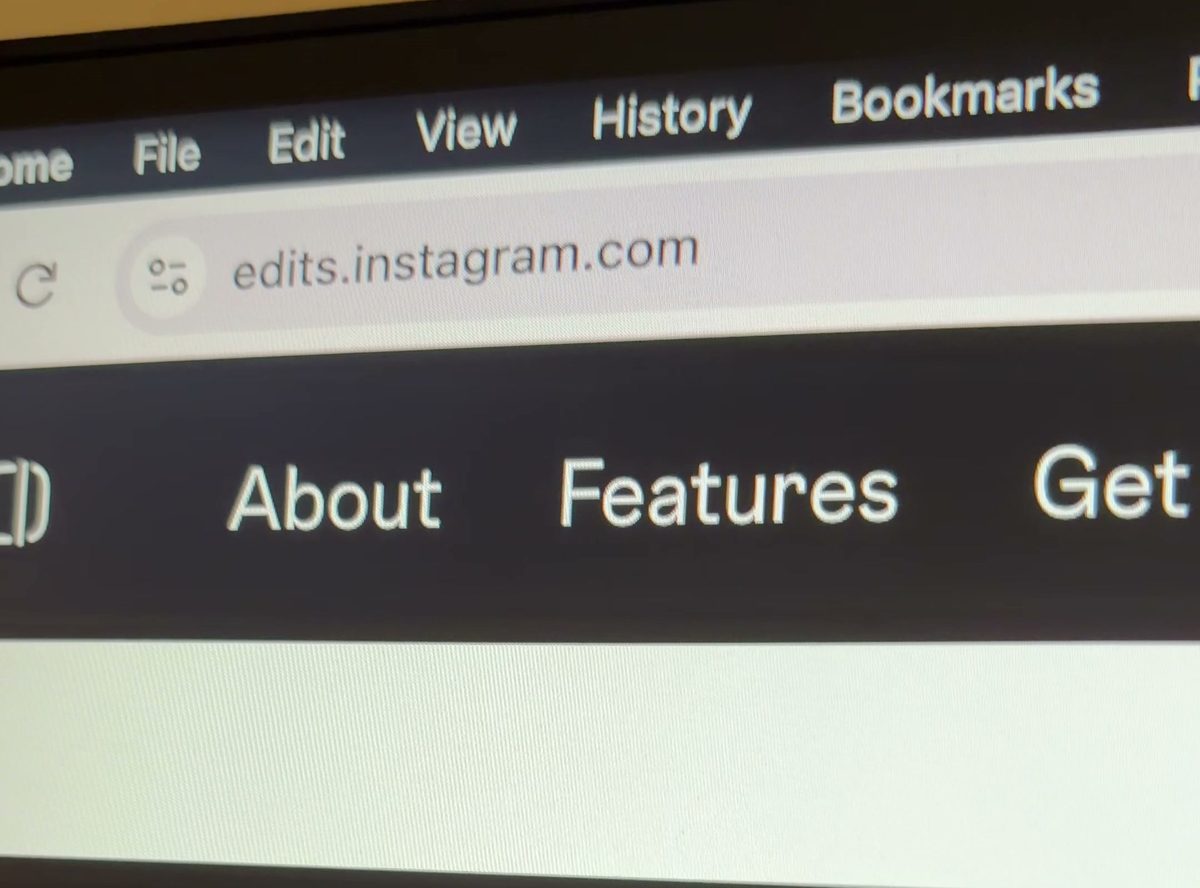
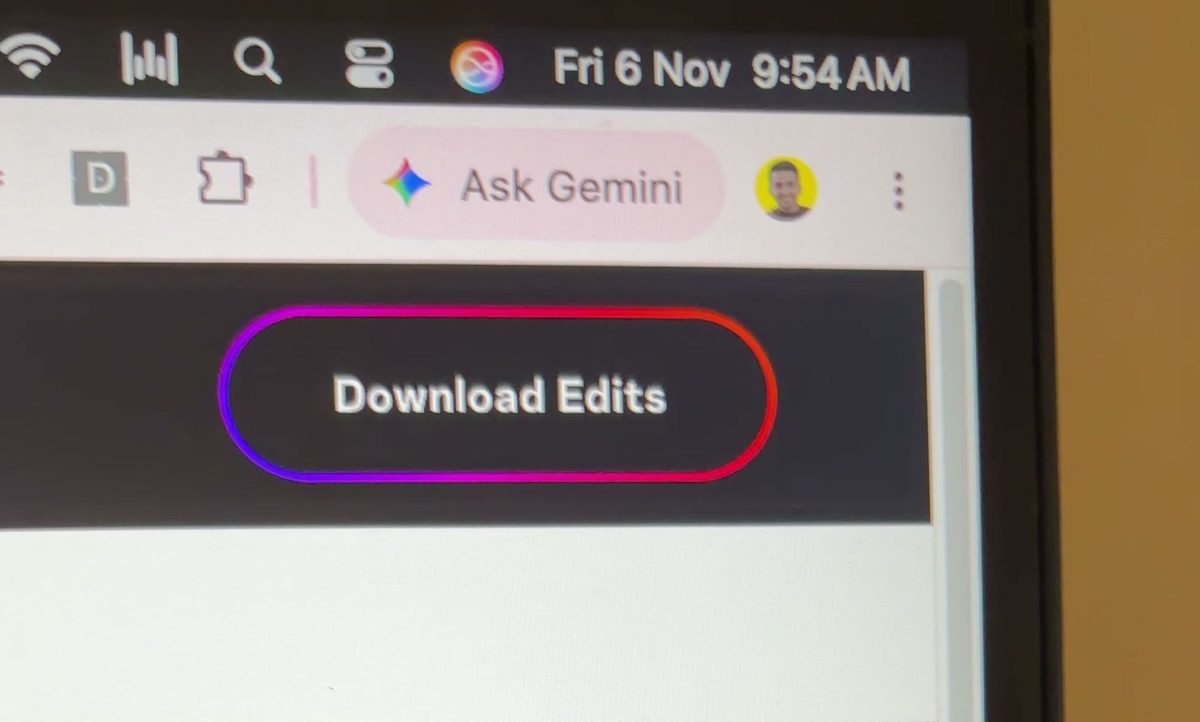
Go to edits.instagram.com and click Download Edits.
Step 2: Install it
Once the file has downloaded, open it and drag Edits into your Applications folder.
Step 3: Log in with the QR code
Open Edits. Instagram shows a QR code. Scan it from your phone and log in. No password typing on the Mac.
Step 4: Open your profile
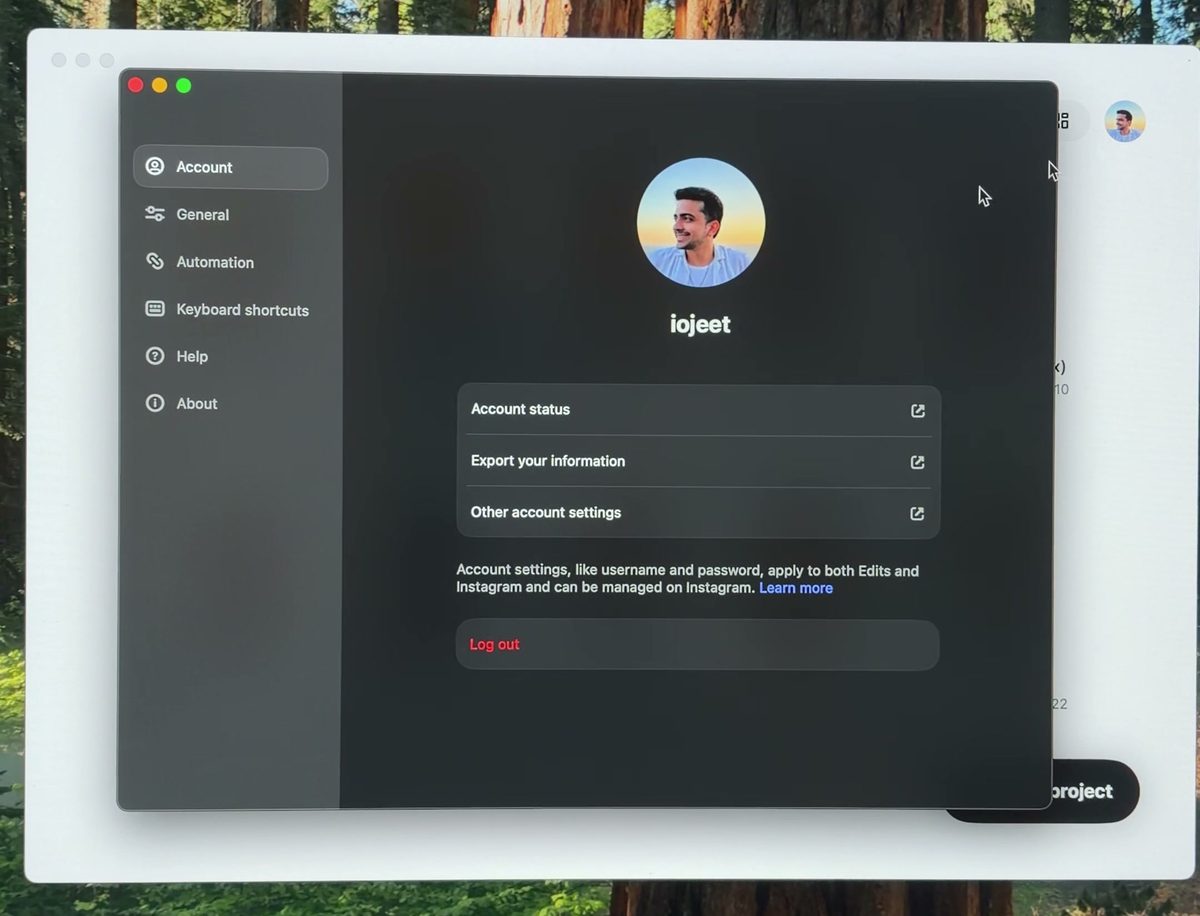
Once you are logged in, click your profile icon at the top right. This settings page opens.
Step 5: Turn on Automation
Click Automation in the left menu and switch on Enable Automation Server. It runs on your Mac at http://127.0.0.1:19501/mcp.
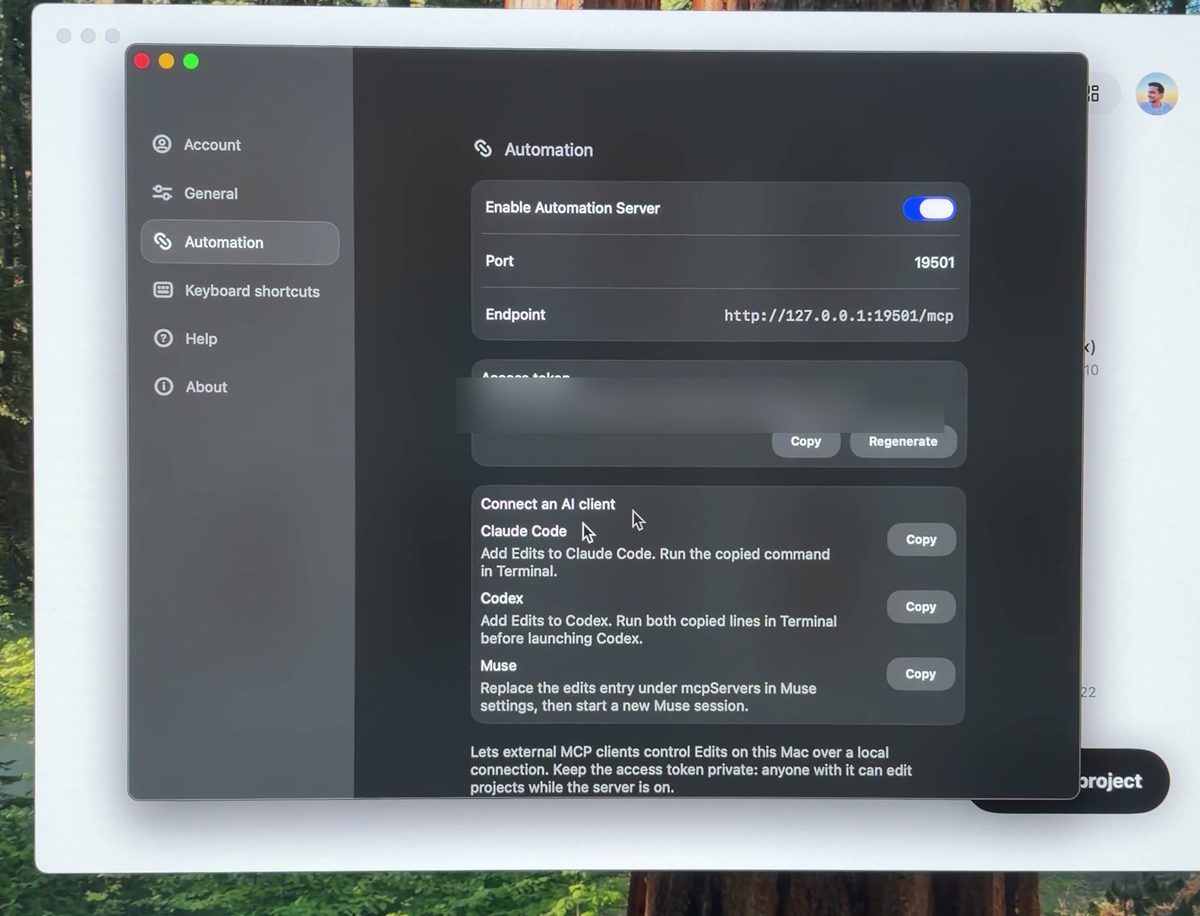
Step 6: Screenshot the page and copy the Claude Code command
Take a screenshot of this page (Cmd + Shift + 4). Then click Copy next to Claude Code. Using Codex or Muse? Copy the one for your tool instead.
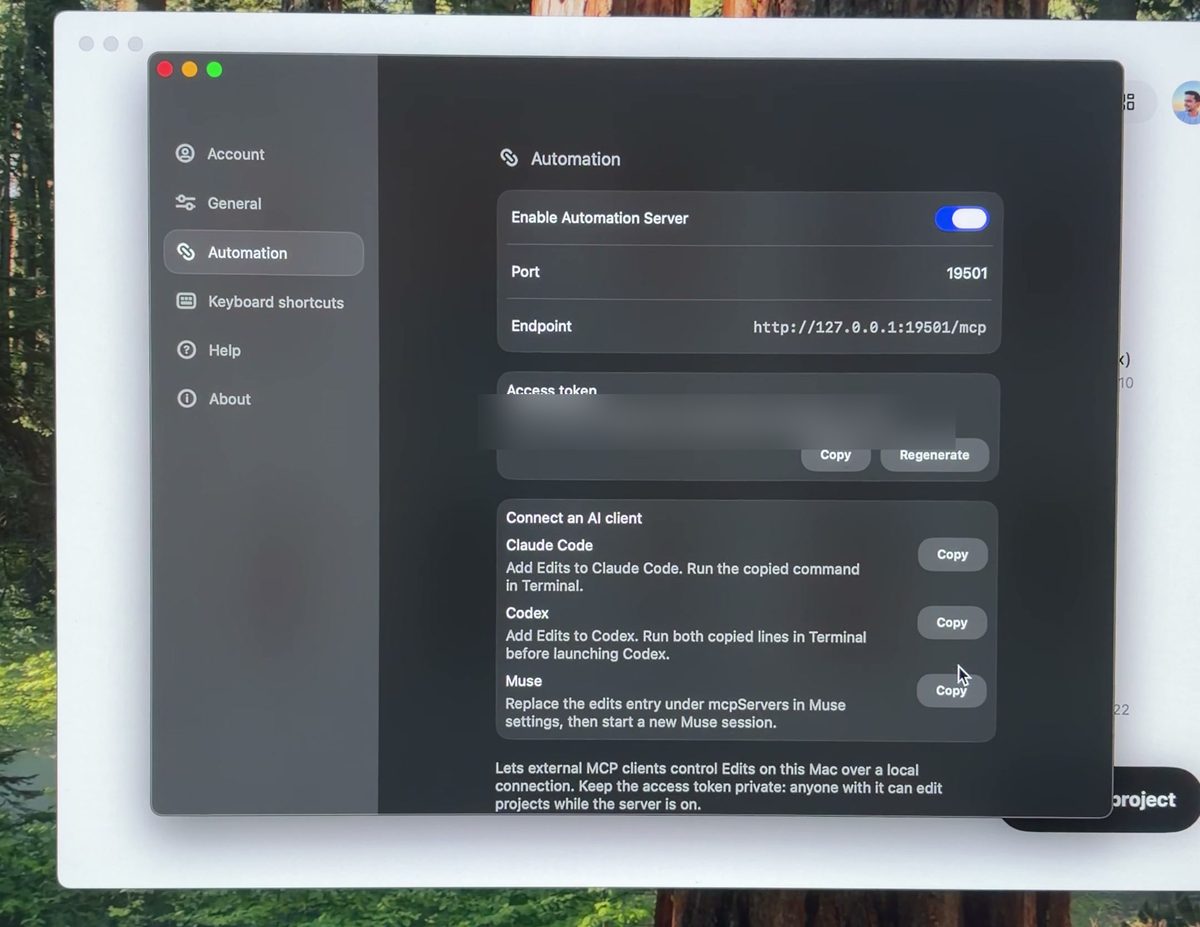
The copied command looks like this, with your own token at the end:
claude mcp add --transport http --scope user metapilot-native http://127.0.0.1:19501/mcp --header "Authorization: Bearer <your token>"Step 7: Ask Claude to install it
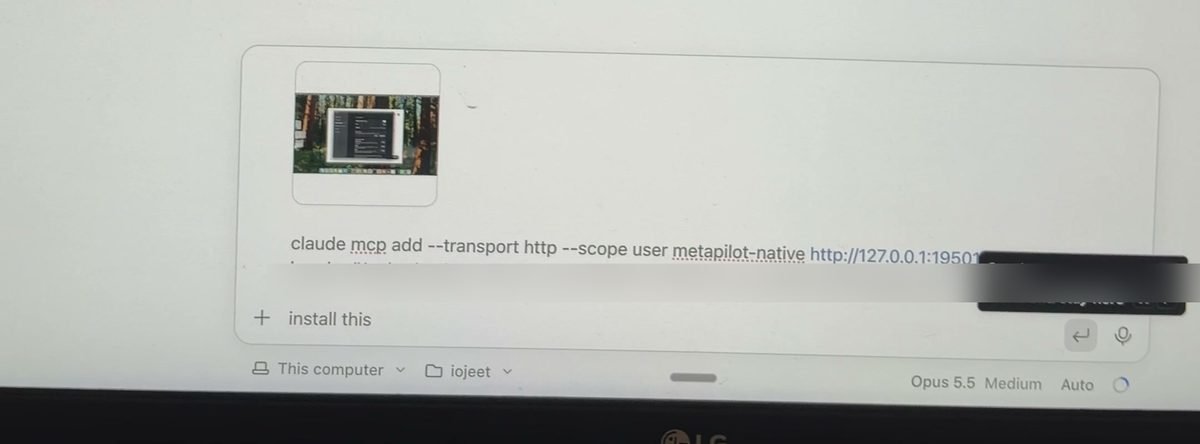
Open Claude Code. Add your screenshot, paste the command, type install this and press Enter. Claude runs the command and connects to Edits.
Step 8: Install the skill
While Claude is installing, grab the skill from the GitHub repo. It tells Claude how to use the 274 Edits tools the fast way: which tool for which job, timing rules, the text recipe and the export settings that actually work.
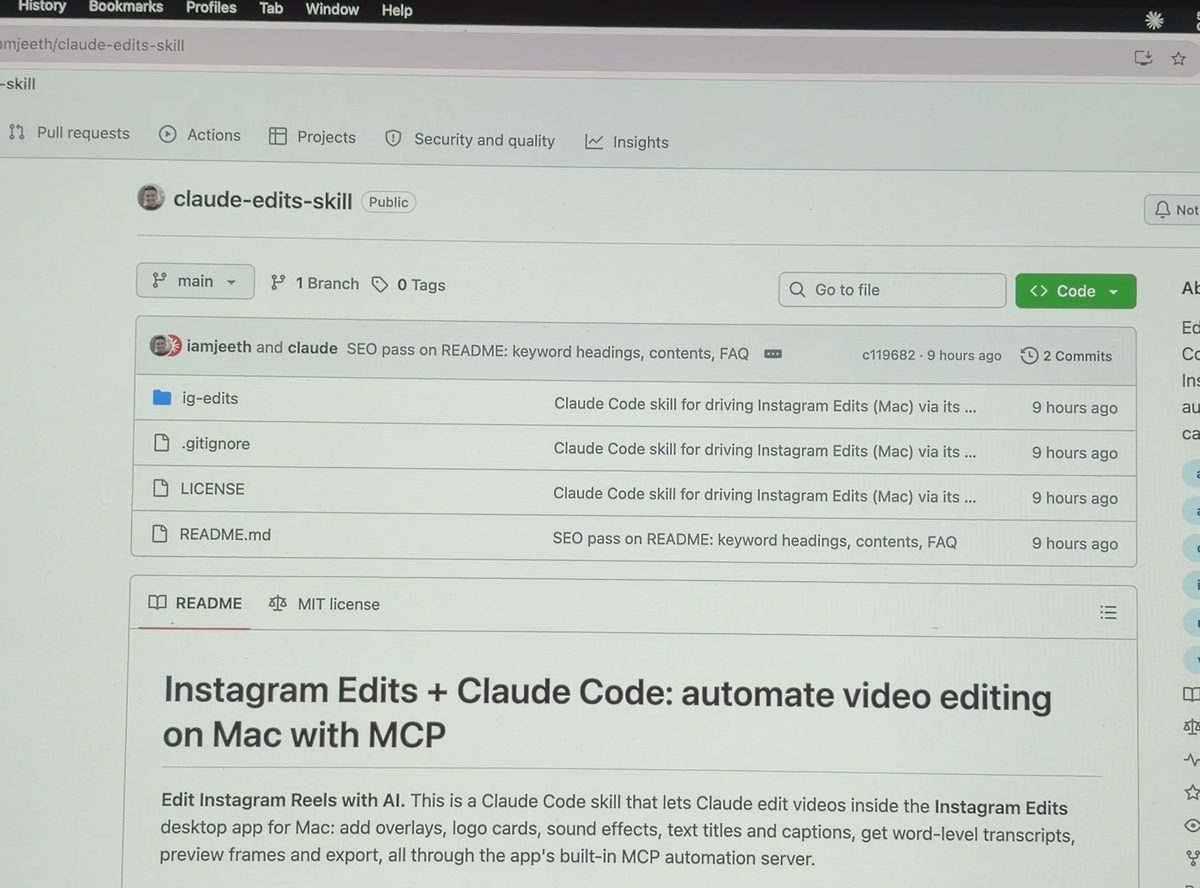
Run these two in Terminal:
git clone https://github.com/iamjeeth/claude-edits-skill.gitcp -r claude-edits-skill/ig-edits ~/.claude/skills/Or just paste the repo link into Claude Code and say "install this skill".
Step 9: Edit with a prompt
Start a new Claude Code session so the Edits tools load. Then tell Claude what you want, in plain words. This is the prompt I wrote for this reel:
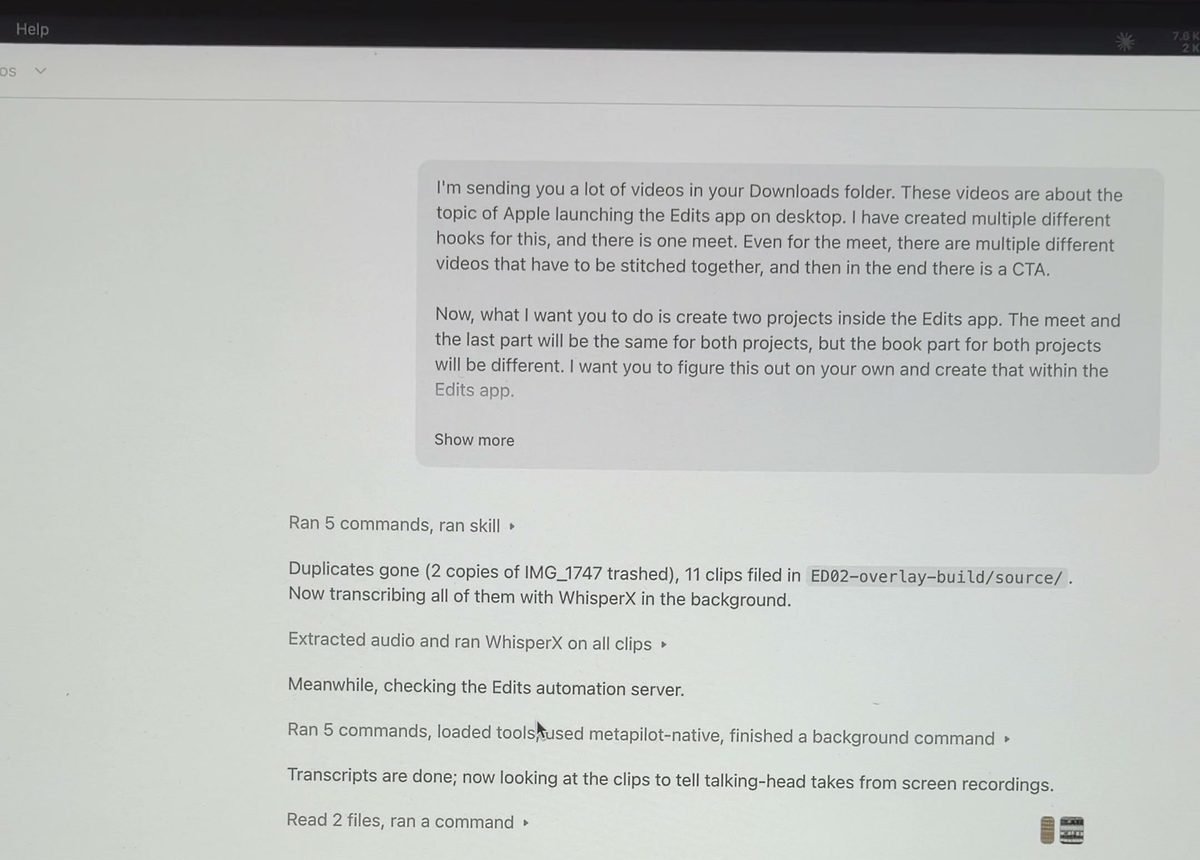
And this is the edit Claude made, directly in the Edits app:
What to use it for
- Multiple versions of one video. Same body, three different hooks, three projects. Post them as trial reels and keep the winner.
- Cleanup. Cut pauses and repeated takes from the transcript.
- The boring bits. Overlays at exact seconds, sound effects on the beat, titles, captions, export.
Things to know
- Keep the access token private. Anyone with it can edit your projects while the server is on. If it leaks, click Regenerate on the Automation page and run the new command.
- Edits must be open with Automation on, or Claude has nothing to talk to.
- No posting. The server can't post, schedule or make trial reels. Claude exports, you post.
- Edits only reads files from its own sandbox folder. The skill copies your files there for you.
Recording and slides from the live setup
On 8 Nov I set this up live on a call. Here is the recording (19 minutes, with the Q&A) and the slides I used.
Download the slides (PDF, 13 pages)
Stuck on a step? Comment on the reel or DM me on Instagram and tell me which step.